
SMS list: let your customers sign up and unsubscribe by themselves
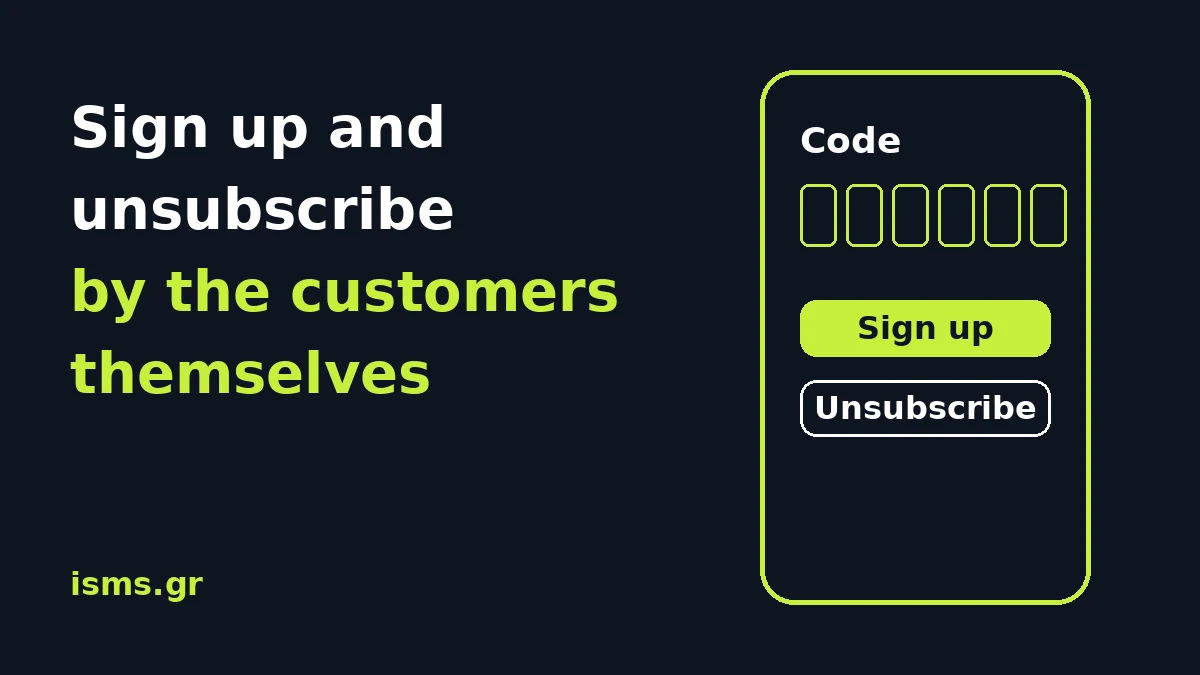
A recipient list that you build yourself, name by name, never grows as much as you would like. And someone who does not want more messages usually does not call you to say so: they simply stop reading. The solution is to give the customer both tools.
The sign-up page
Every account has a public page. There the customer writes their name and mobile number, chooses one or more of the groups you have defined (for example Offers, Events) and receives by SMS a 6-digit code, valid for 10 minutes. As soon as they enter it, they are added to the groups.
The code is not a formality. It proves that the mobile is really in the hands of the person who signed up, and the panel records that the sign-up was made from the public page, when, and to which group.
Two things to keep in mind:
- The code is an ordinary SMS and is charged to your own balance. If the balance is not enough, the customer does not get a code and sees a message about it.
- Below the form there is a sentence saying that by signing up they agree to receive SMS from you and that they can leave at any time.
Unsubscribing
The same page has the unsubscribe option. The recipient writes their mobile number and chooses which groups they want to leave, or All lists. Nobody needs to write to you and you do not need to do anything.
- If they leave some groups, they stay in your account as a contact and do not receive messages for those groups.
- If they leave all of them, their number goes on the blacklist and does not receive messages again. Anything blocked is left out of every send and is not charged.
Unsubscribing asks only for the number, with no code. If someone notices unsubscribes they did not expect, it is worth keeping this in mind.
You can turn on only sign-up, only unsubscribe, or both on the page, or close it.
How you share it
All three ways are in your Profile:
- Link: you send it or put it on your site and your social media.
- Embed: ready-made code to show the form inside your own page.
- QR code: it opens your page from a mobile phone. You download it as SVG or PNG and put it at the checkout, in the shop window, on the receipt or on a flyer. It is made on our own server and no external service sees the address.
The QR code encodes the address of the installation. If the domain ever changes, the printed ones stop working unless the old domain redirects. So test it with your own phone before you print thousands of flyers.
What it does not do
Signing up from the page is the only path that goes through a code. Contacts you upload from a file or add in the panel are recorded as your declaration that you have their consent, not as an action by the contact. The panel records; it does not judge whether the consent is lawful: that remains your responsibility.
See also the features of the platform.
Create an account and see the subscriptions page in your Profile.