
Platform features
Besides bulk sending, the panel does by itself everything that repeats, and it protects you and your recipients. The images are from the panel, with demo data.
Create an account · How to send SMS · Inbound SMS
Birthdays
On a contact's birthday, the message you wrote is sent by itself, once a year, at the time you choose. The date is read from the contact's birthday field. The message is charged like any other. If your balance isn't enough that day, nothing is sent and we notify you.
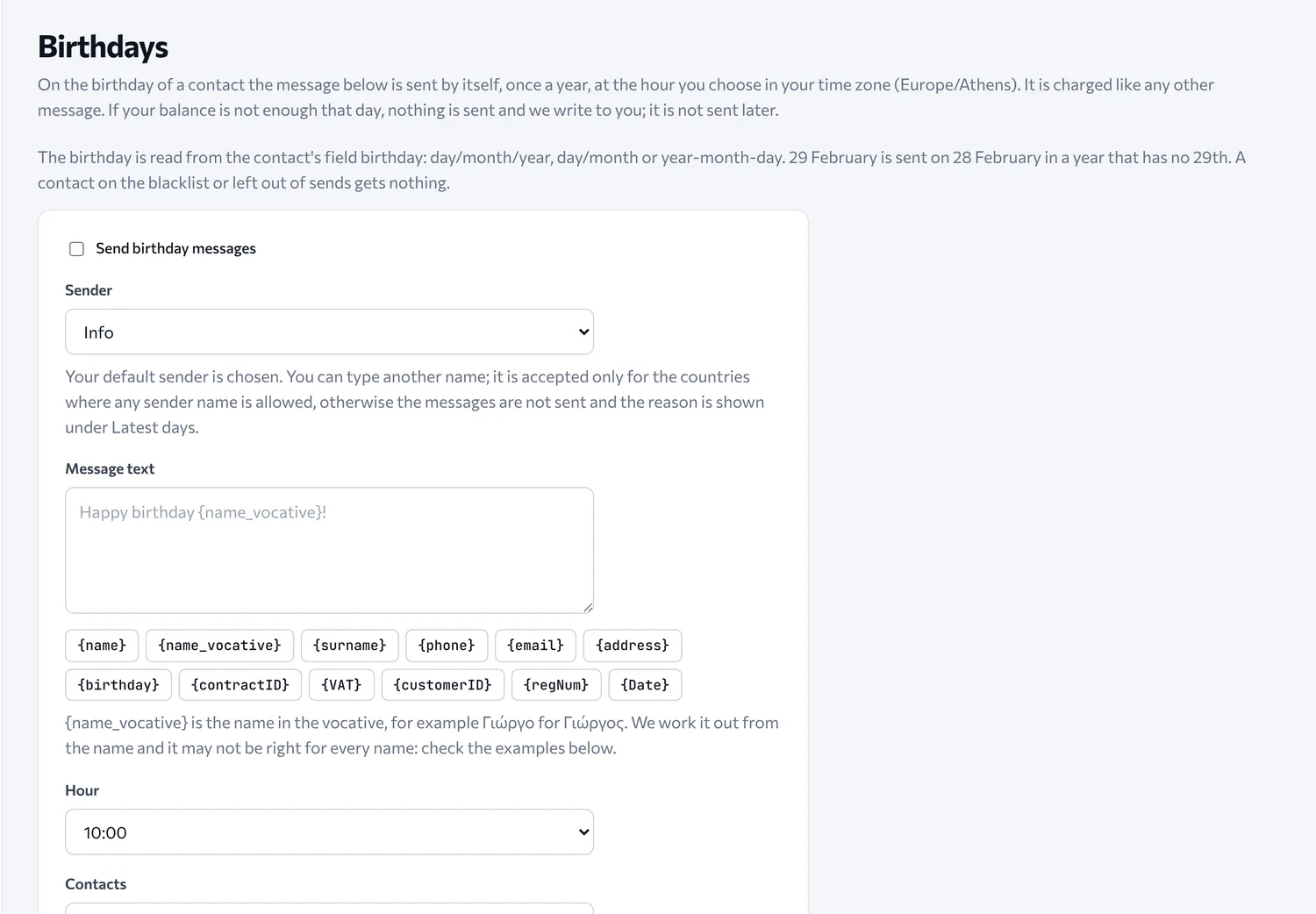
The message can include the contact's name in the vocative form used when addressing someone in Greek, for example “Happy birthday {name_vocative}!”, where Γιώργος becomes Γιώργο. The vocative is calculated from the name and may not be right for every name, so the panel shows you examples before you turn it on.
Name days
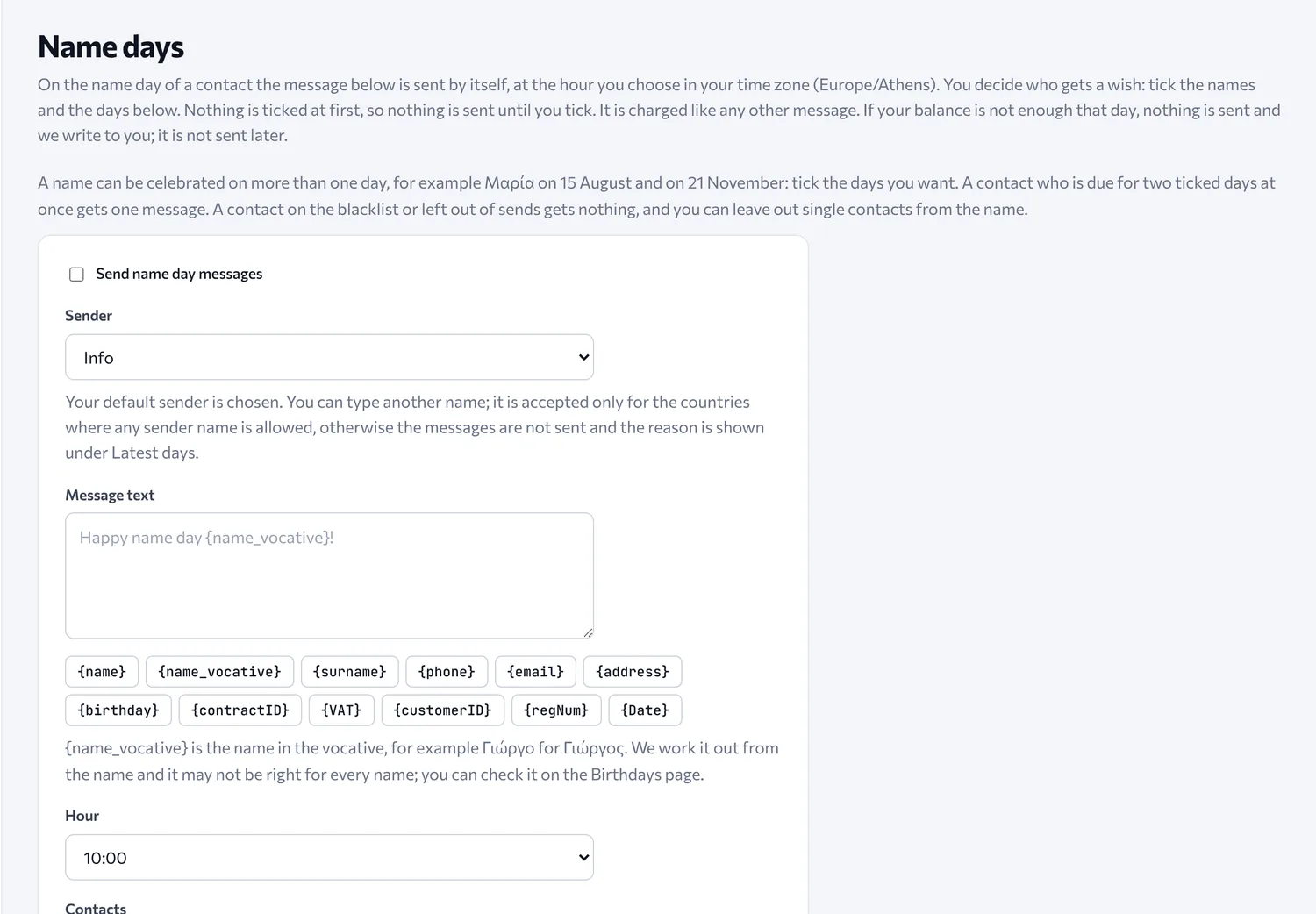
You decide who gets a greeting: you choose the names and the days. If you choose nothing, nothing is sent. A name that is celebrated on more than one day, like Maria on 15 August and on 21 November, gets a greeting only on the days you choose. You can also exclude individual contacts.
Templates and fields
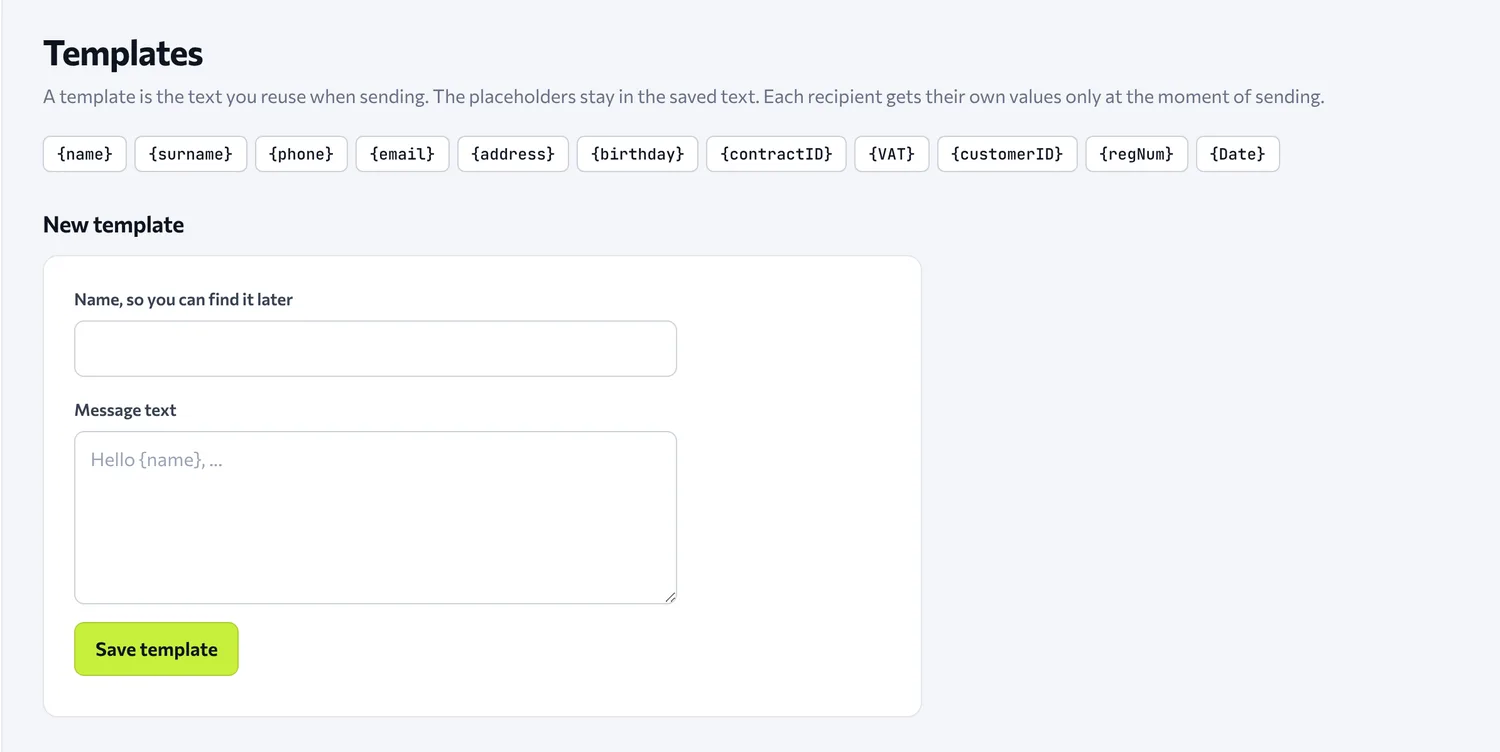
You save the messages you send often, and each recipient gets their own values at the moment of sending. Available fields: name, surname, phone, email, address, birthday, contract number, VAT number, customer code, registry number and date.
Sign-up, unsubscribe and the blacklist
Everything about your recipients' consent is gathered here: your customers sign up and unsubscribe by themselves, and anyone who leaves never receives messages again, without you having to do anything.
The sign-up and unsubscribe page
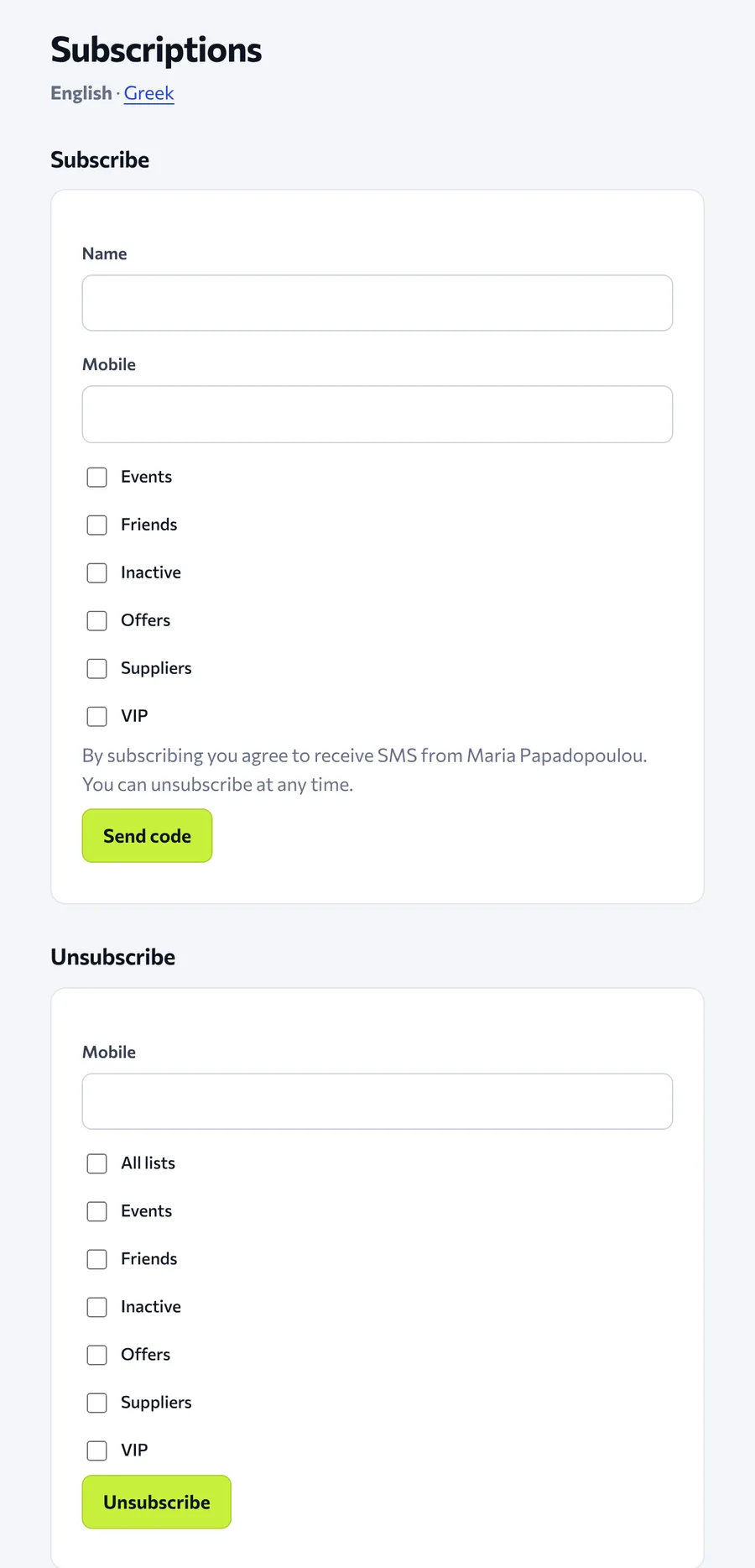
Every account has a public page where your customers sign up to groups you define (for example Offers, VIP, Events), with a code sent to them by SMS, and can unsubscribe at any time, by themselves. They don't need to call you, write to you or wait for anyone. This way you get contacts with recorded consent.
You can turn on only sign-up, only unsubscribe, or both on the page.
How you share it
All three ways are in your Profile:
- Link: a public link that you send or put on your site and social media.
- Embed: ready-made code that you put on your own site, so the form appears inside your page.
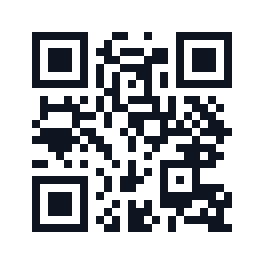
- QR code: a QR that opens your page. You print it in the shop, on the receipt or on a flyer, or show it on a screen, and your customers sign up by themselves from their phone. You can download it as a file (SVG or PNG). It is generated on our own server and no outside service sees the address.
Unsubscribing is done by the recipient
To unsubscribe, the mobile number and one button are enough. The recipient chooses whether to leave all lists or only some. Anyone who leaves all lists automatically goes on the blacklist.
The blacklist
Every account has one blacklist. A number on it is skipped in sending and is not charged. The contact stays in Contacts, and removing a number from the list does not delete the contact. The list and the spam filter apply the same way whether you send from the panel, from the HTTP API or from SMPP.
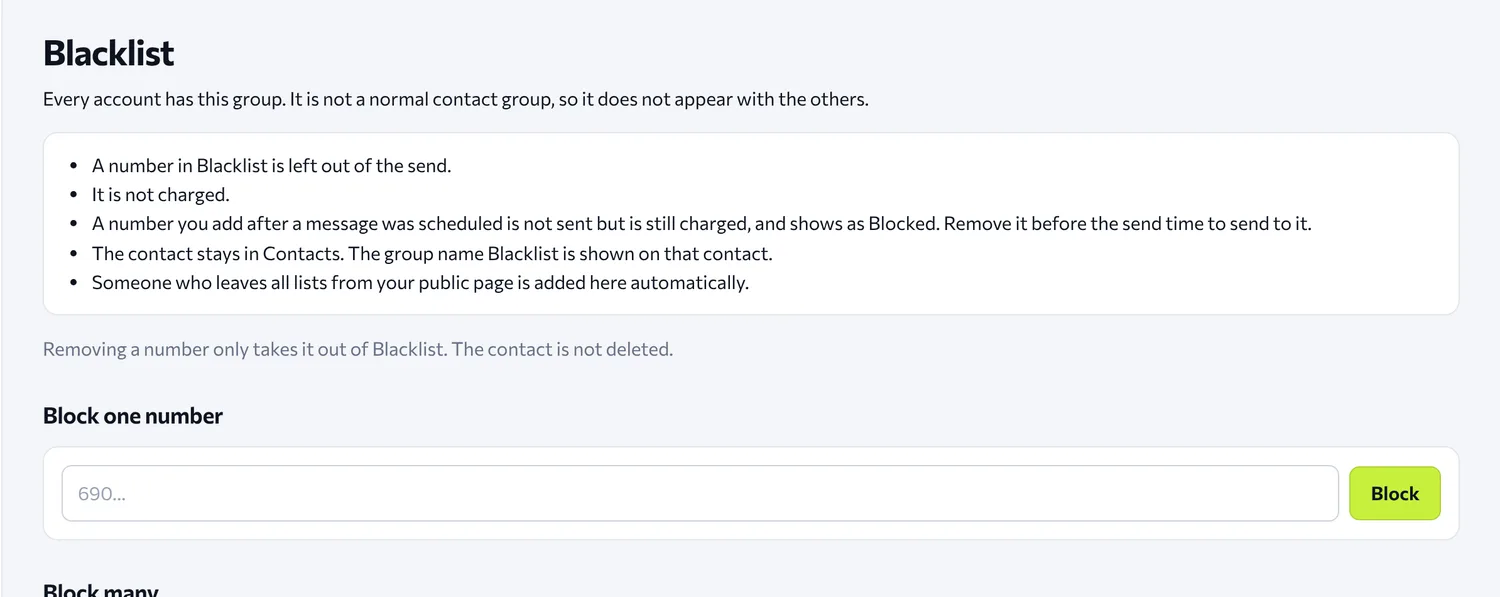
If you add a number after a message has already been scheduled, the number will not receive it, but the message is still charged and appears as Blocked. To avoid the charge, remove the number before the send time.
See it in action
Create an account and try it with the welcome gift. Have a question? See the FAQ or write to us.