
Opt-in and opt-out for SMS: how to keep a consent record you can show
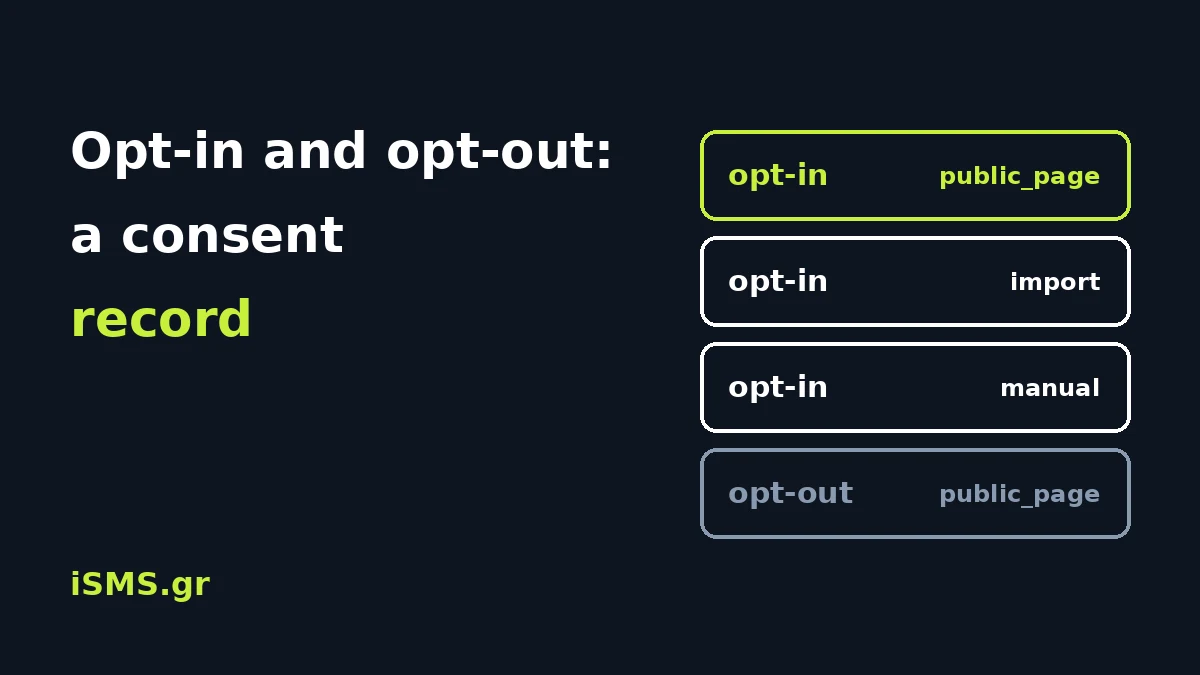
Most people have a list of mobile numbers. Few can say quickly where each number came from: who gave it, when, how, and what text they had in front of them. That is the question that arrives when a customer complains, when a provider asks, or when someone checks your list. iSMS.gr keeps this record for you, on every contact.
What is recorded
Every time a contact joins a group or leaves it, a line is added to the consent record. The line holds:
- the event: opt-in (sign-up) or opt-out (removal),
- the date and time, in your time zone,
- the method: public sign-up page, file import, added by hand, API or transfer from the old panel,
- the group,
- who declared it: the recipient themselves or your account,
- the title and a fingerprint of the text that was on the screen at that moment. If you ever change the text, the new version is stored separately and the old lines still point to the text that applied then.
The record is add-only: lines that have been written are not edited.
An example
Picture a clothing shop, say "Style Athens" (the name is made up). Its list has been collected in three ways:
- A QR code at the till. The customer scans it, enters their mobile, receives a code on the phone and types it in. The record gets an opt-in with the method "public page", and it shows that the customer did it themselves.
- An Excel file from the old e-shop. The owner uploads it and, before the import completes, sees the declaration that they have the consent of these contacts. The record gets an opt-in with the method "import", declared by the shop's account.
- A tablet in the shop, where the assistant adds customers by hand. An opt-in with the method "manual", again declared by the account.
Later a customer signs up from the same page and asks to leave the "Offers" group. The record gets an opt-out line for that group, and the offers no longer reach her.
The example shows a difference worth knowing: only sign-up from the public page is an act of the recipient, with a code on the mobile. In the other cases the record says plainly that you declared it. It is never presented as proof that the recipient agreed.
How to download it
In the panel, on the Contacts page, there is the button "Export the consent log (CSV)". You get a file with one line per event and the columns: mobile, name, event, date, method, group, declared by, source, text title and text fingerprint. It opens in Excel and sorts as you like.
What to watch for
- Deleting a contact deletes its record too. If you remove a contact, its consent lines go with it. If you need the history for your own reasons, download it before you delete.
- Keep your own copy. An export every few months, stored in your company's files, is the simplest safeguard.
- For contacts you upload from a file, the declaration you see at import is your responsibility. If you do not really have their consent, do not upload them.
- For new contacts prefer the sign-up page. It is the only route that goes through a code on the mobile. See the article about sign-up lists.
What it does not do
The record records, it does not judge. It does not know whether the consent you declared is lawful, and promotional messages have their own rules on consent and opting out. Check them with your lawyer or data protection officer. iSMS.gr gives you the tools to keep and show the record, and using them correctly stays your responsibility. More on the page Contact groups, opt-in and opt-out.
Create an account and see the export button in your Contacts.