
How to read History: what each status of an SMS means
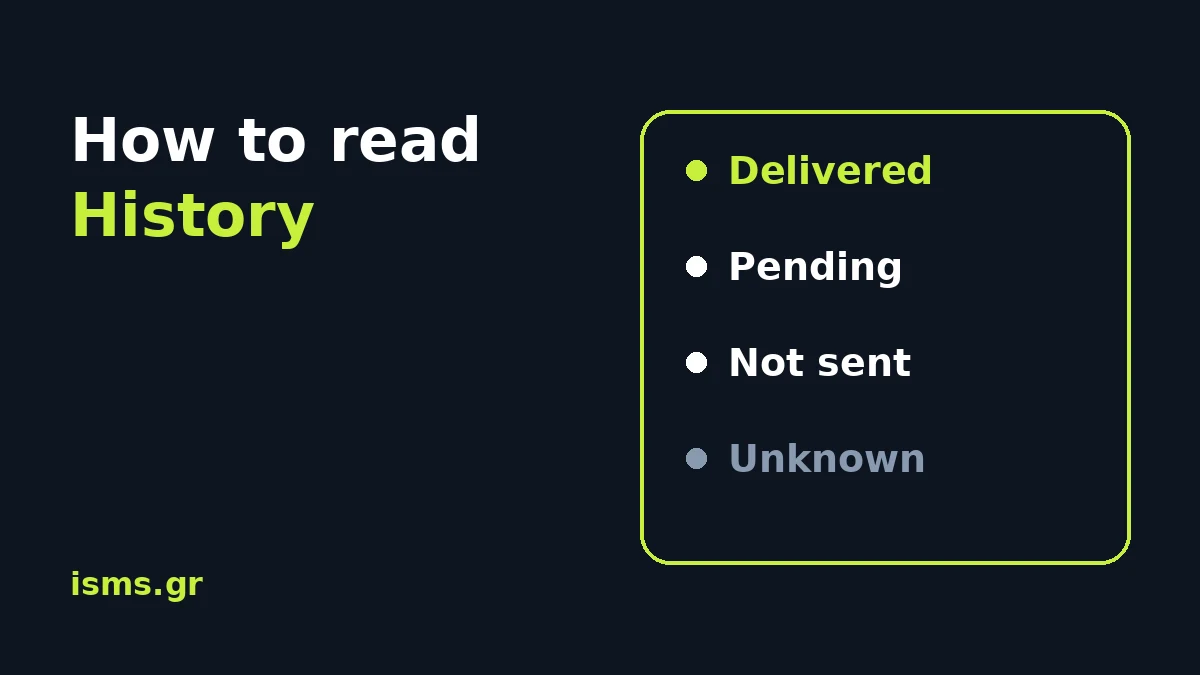
You sent the message. History says "Sent". Does that mean they got it? Not exactly, and the difference matters when someone says "I did not receive it".
Here is how History is read, from the list down to the report of each recipient.
The list: one line per send
History has three tabs: Sends, Payments and Balance (every movement of your balance). In Sends each line is a message and shows:
- its reference (
KN-XXXXX-XXXXX), - the sender and the start of the text,
- the recipient, with the country of the number next to it (for example
GR), - the cost and the status,
- when it was sent, in your account's time zone.
If the message has one recipient, the status is theirs. If it has many, it says "N recipients" and the list shows "Sent". For the detail you open the message.
The page updates by itself while there are messages that have not reached a final state, and stops when all are done. You do not need to refresh.
How you find a message
The search box accepts text, sender, number or reference. If a customer tells you "I did not get the SMS", you type their mobile number and see what happened. When you contact us, the KN-… reference is all you need.
The statuses, in plain words
- Queued: the message is waiting its turn to go out.
- Scheduled: it will go out at the time you set. Until then you can change it or delete it. See how scheduled and repeating sends work.
- Sent: the message left the panel towards the network. It is not a confirmation of delivery. In the list, a message with many recipients always says "Sent": the detail is in its report.
- Pending: the message left and we are waiting for the mobile network's report for the recipient.
- Delivered: the network confirmed that the message reached the phone.
- Failed: the message was not delivered. Next to it is the reason, as in the article about the failure reason.
- Not sent: the message never left towards this number, for example because the sender is not accepted in the country. It is not charged.
- Blocked: the number is on your blacklist.
- Unknown: the network never sent a report for this recipient within 72 hours. The message may have arrived and may not. This status does not refund the amount.
The report of a message
Click the reference and you see the details of the message and a summary line, for example "1,000 · 400 delivered, 600 pending". Below it is the list of recipients, with:
- the number and its country,
- the encoding: GSM or Unicode and how many SMS the message took (Unicode fits fewer characters per SMS),
- the delivery status, and next to it the reason when it was not delivered.
You can search for a number or filter by status to see only those that failed. If some numbers were not sent, there is also a CSV file with them.
And then?
- To send the same message again, you click Resend and the form opens with the text and the numbers ready. When you send it, it is a new send and it is charged normally. A number that does not exist will not be delivered the second time either.
- If the send was made through the API, the final status and the reason for each recipient reach your system with the delivery reports.
Create an account and send a test message to see History.